
Say what stays and what changes
For an edit, name the single change and list the details that must not move. Seedream 5.5 is built to leave unedited regions as they were, so a narrow instruction gives the cleanest result.
Create or edit images with up to 10 reference images at 1K or 2K, with an option for a transparent PNG background. Try it in the generator below, with examples and only the controls that fit this model.

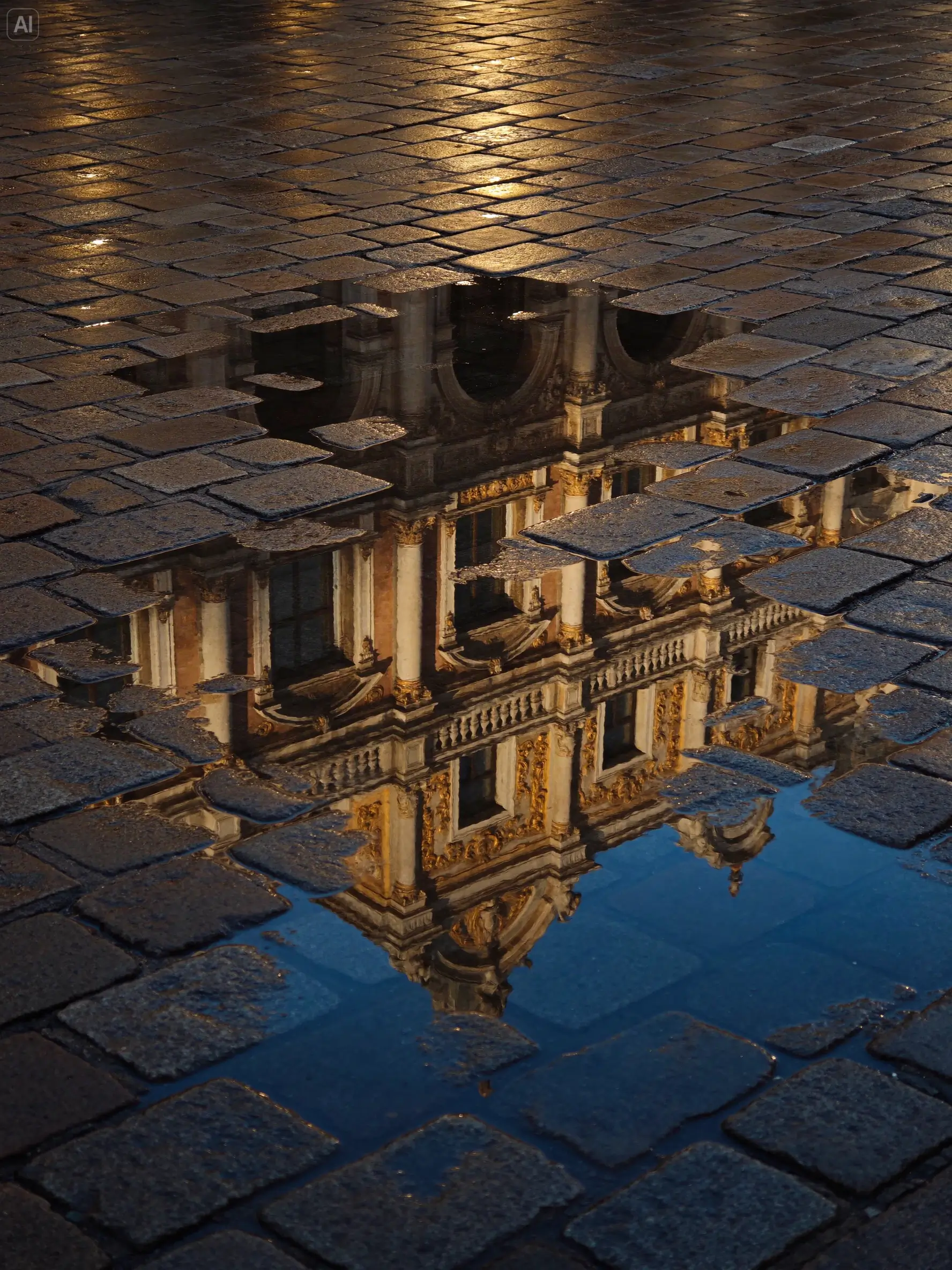
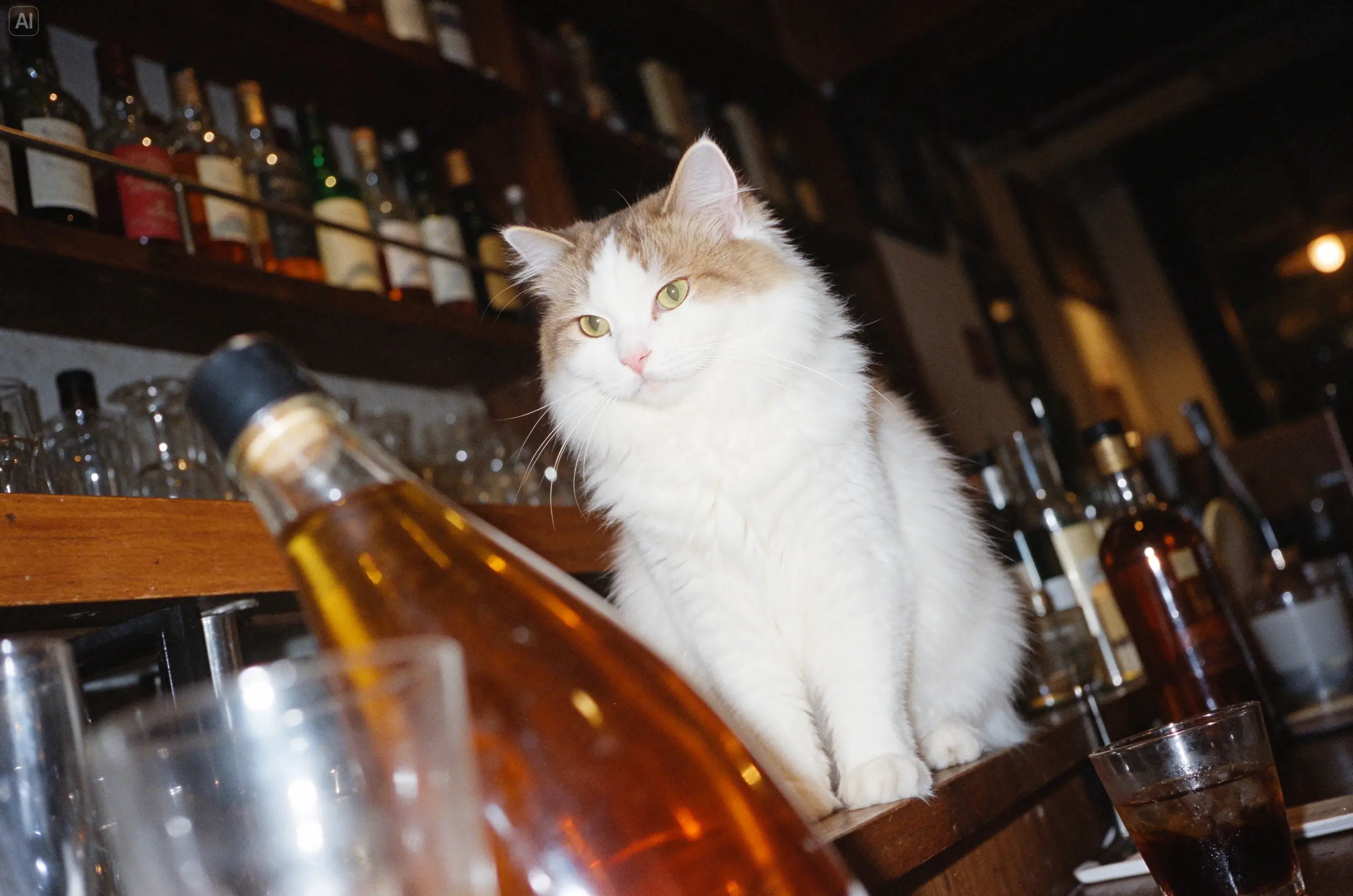
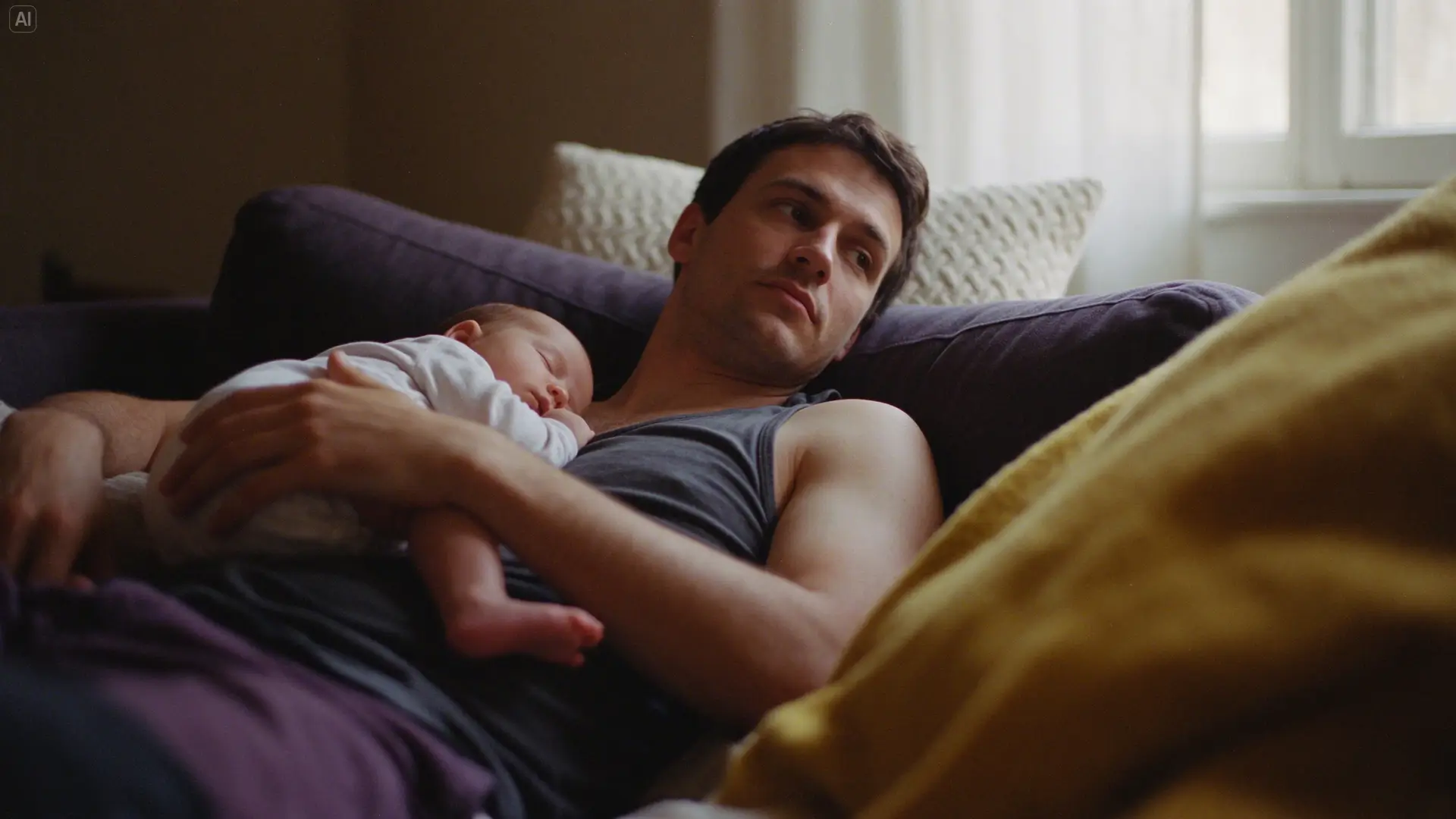
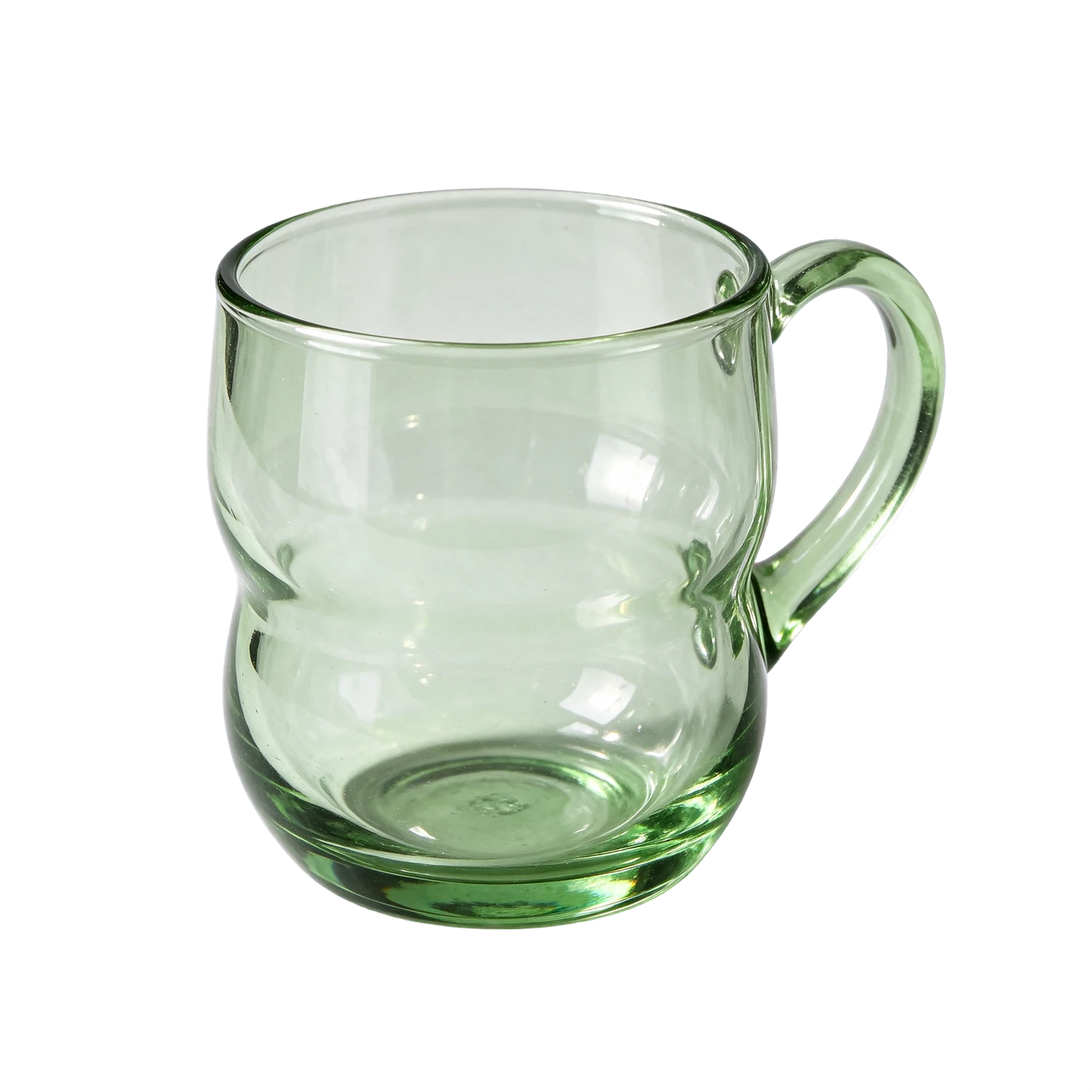
Seedream 5.5 is ByteDance’s image model for creating and editing pictures. NENE lets you write a brief, add up to ten reference images, choose a ratio and 1K or 2K output, and review the result in the same workspace. It suits product visuals, characters you want to reuse, campaign backgrounds and edits you repeat several times.
KIE describes Seedream 5.5 as keeping the parts of an image you did not edit intact, across up to 100 rounds of edits, and as supporting native transparent backgrounds. It also lists better lighting and skin, clearer small text and reusable characters. A reference still does not guarantee exact lettering, identity or geometry, so inspect the full image before sharing it.
Keep the first request small enough to review. The steps below match the controls and result states in the generator above.
For an edit, name the single change and list the details that must not move. Seedream 5.5 is built to leave unedited regions as they were, so a narrow instruction gives the cleanest result.
Add only the product, character or composition sources that solve a specific uncertainty, up to ten. State which reference controls identity and which contributes the setting or light.
Select the ratio and resolution, set the background to auto, opaque or transparent, and read the live credit quote. Review the finished image at full size for text, edges and lighting, and change one instruction in the next variation.
Choose a use case that fits the model's actual input and output. Treat each result as a reviewable draft until it passes your own quality and rights checks.
KIE states that areas you did not touch stay intact across up to 100 edit rounds. That makes it practical to refine one object at a time instead of regenerating the whole scene.
Set the background to transparent and export a PNG for a cut-out. Transparent output needs the PNG format, so the generator uses PNG whenever you pick it.
Keep a character consistent across images by supplying references and a stable description. Compare faces and clothing with the source at full size, because consistency is a goal rather than a guarantee.
KIE lists improved lighting and skin rendering and clearer small text. ByteDance reports severe text corruption at 0.4 percent in its own evaluation. Short, clearly specified text still needs a character-by-character check.
The generator is the source of truth for the current controls. Use this guide to plan a request, then confirm the exact quote before submitting.
Choose Seedream 5.5 when you will edit the same image several times, need a transparent PNG at 1K or 2K, or want to reuse a character. GPT Image 2 offers 4K and more ratios, Qwen Image 3.0 suits text-dense layouts, and Nano Banana 2 is worth comparing when you need 4K with a large reference set.
For a Seedream image, compare the edited area with the source and confirm that everything you asked to keep is unchanged. Check label spelling, edges, shadows and the relationship between the subject and the background. For a transparent PNG, place it on a dark and a light background and look for fringes. Keep the source, prompt, ratio and rights decision together for later review.
These answers describe the current NENE workflow and its review boundaries. Confirm live controls when you submit a task.
We last checked this page against the NENE generator and the Seedream 5.5 page on KIE on November 16, 2026. The generator always shows the current controls, availability and credit price before you submit.
Availability and controls can change. The live NENE workspace is the source of truth for the current inputs, duration, resolution, and credit quote.