
AI image upscaler
Image Upscaler
Drop in an image, pick 2x, 4x or 8x (or 1x to clean it up at the same size), and this AI image upscaler returns a larger picture with the same shape. You see the exact result size and the credit price before you press the button. Pricing: 3 / 8 / 24 credits per image for 2K / 4K / 8K output.
02Upscale factor
3 / 8 / 24 credits per image for 2K / 4K / 8K output
- Same shape, no cropping
- Transparent areas become white
- Credits back if it fails
Only upload images you have the right to use.
Your upscaled image appears here
Width and height are multiplied by the factor you pick. The shape is kept and nothing is cropped. When it is done you can slide between the original and the result.
Image upscaler before and after
 Before
 After
 Before
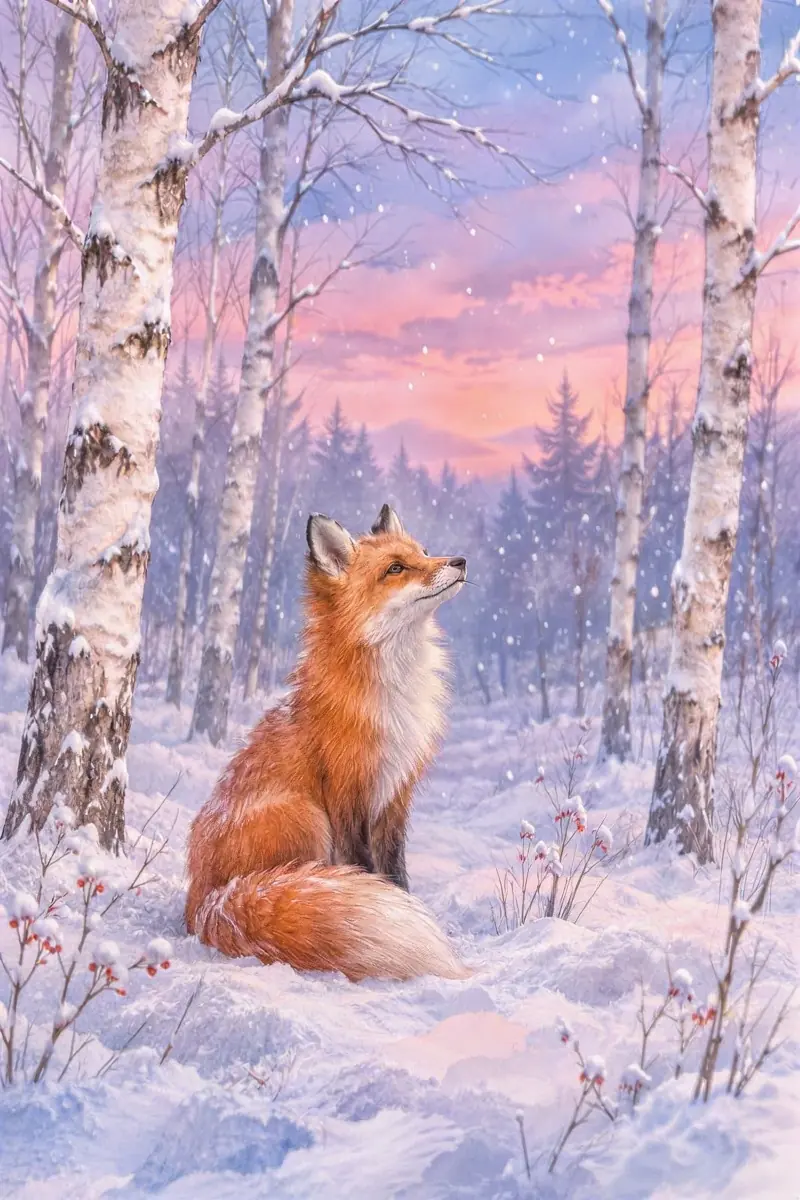 After
 Before
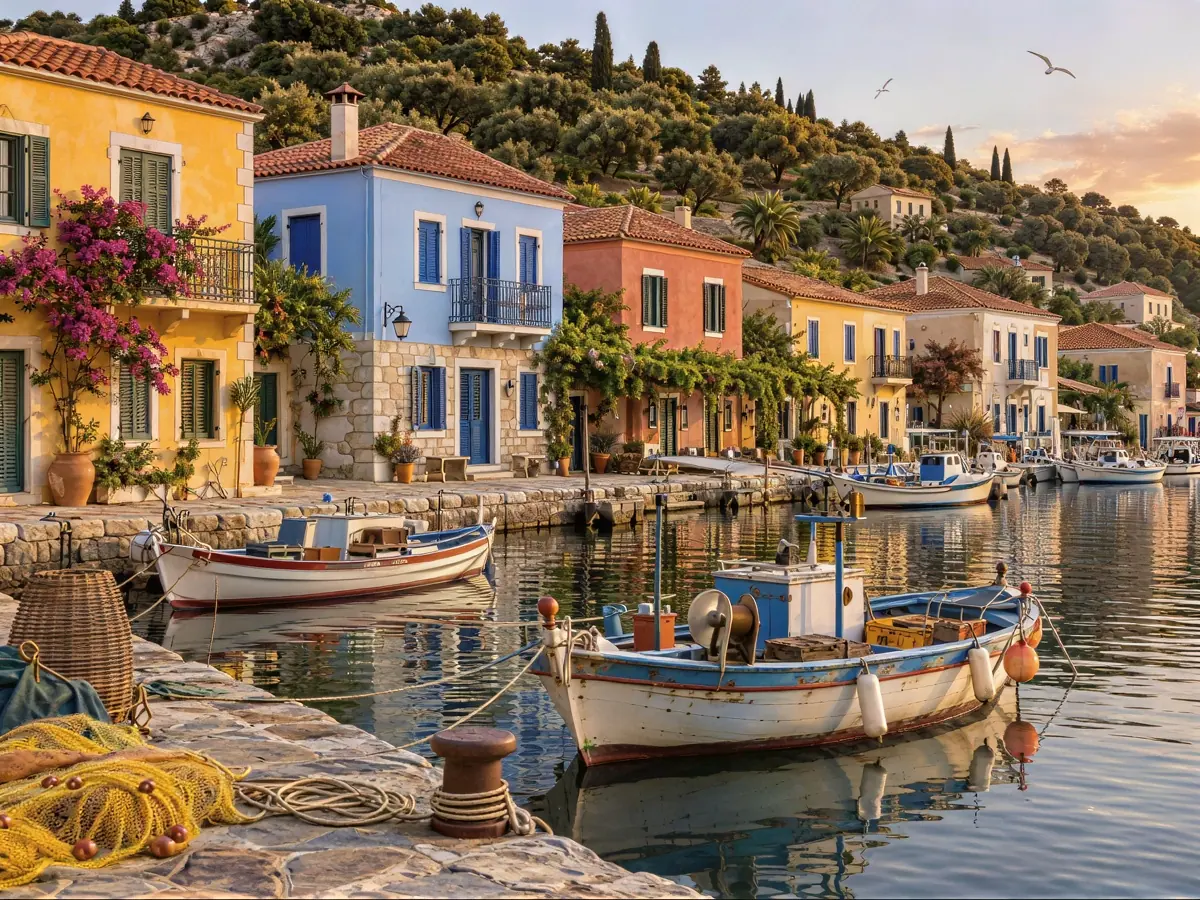 After
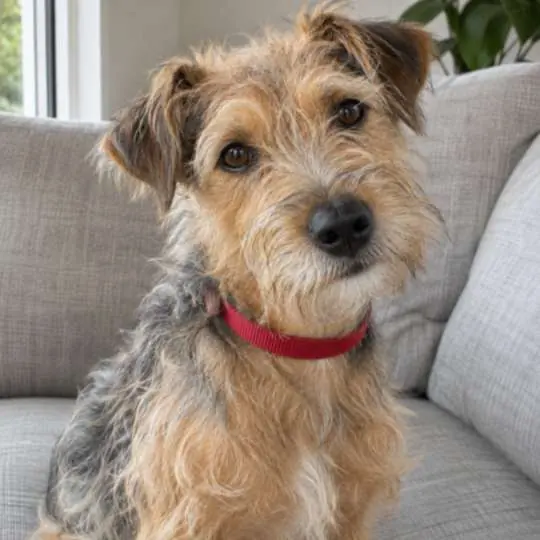 Before
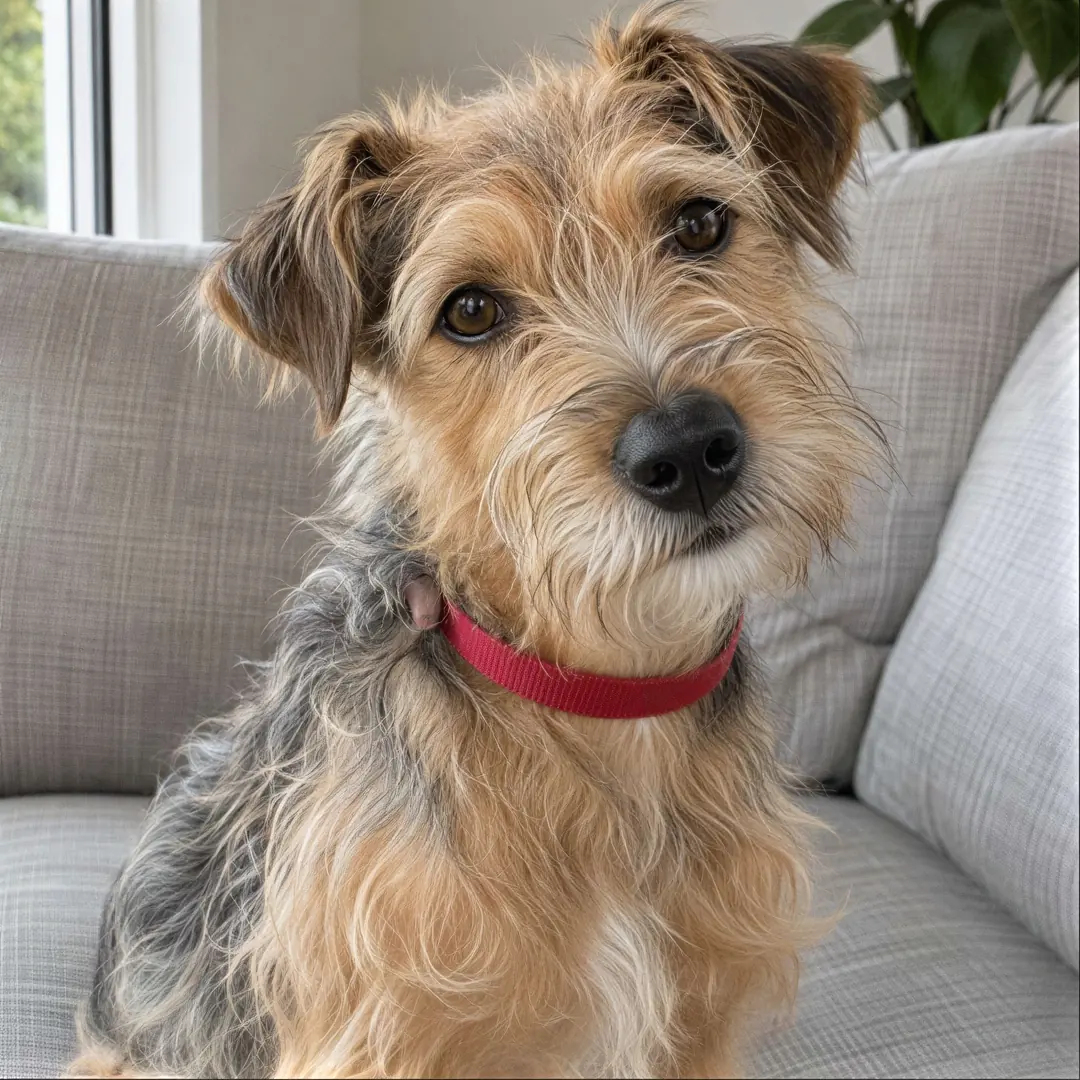 After
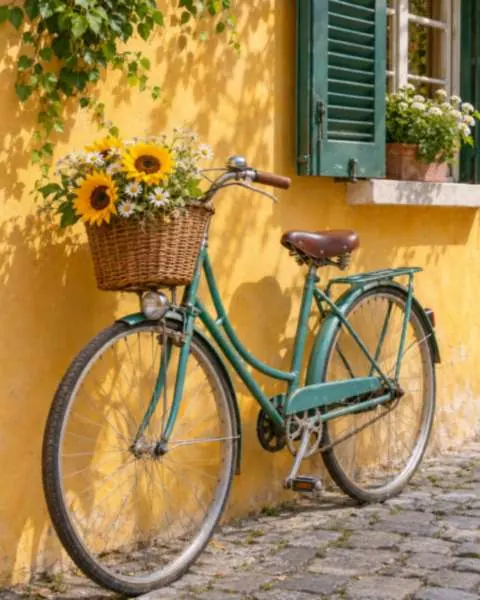 Before
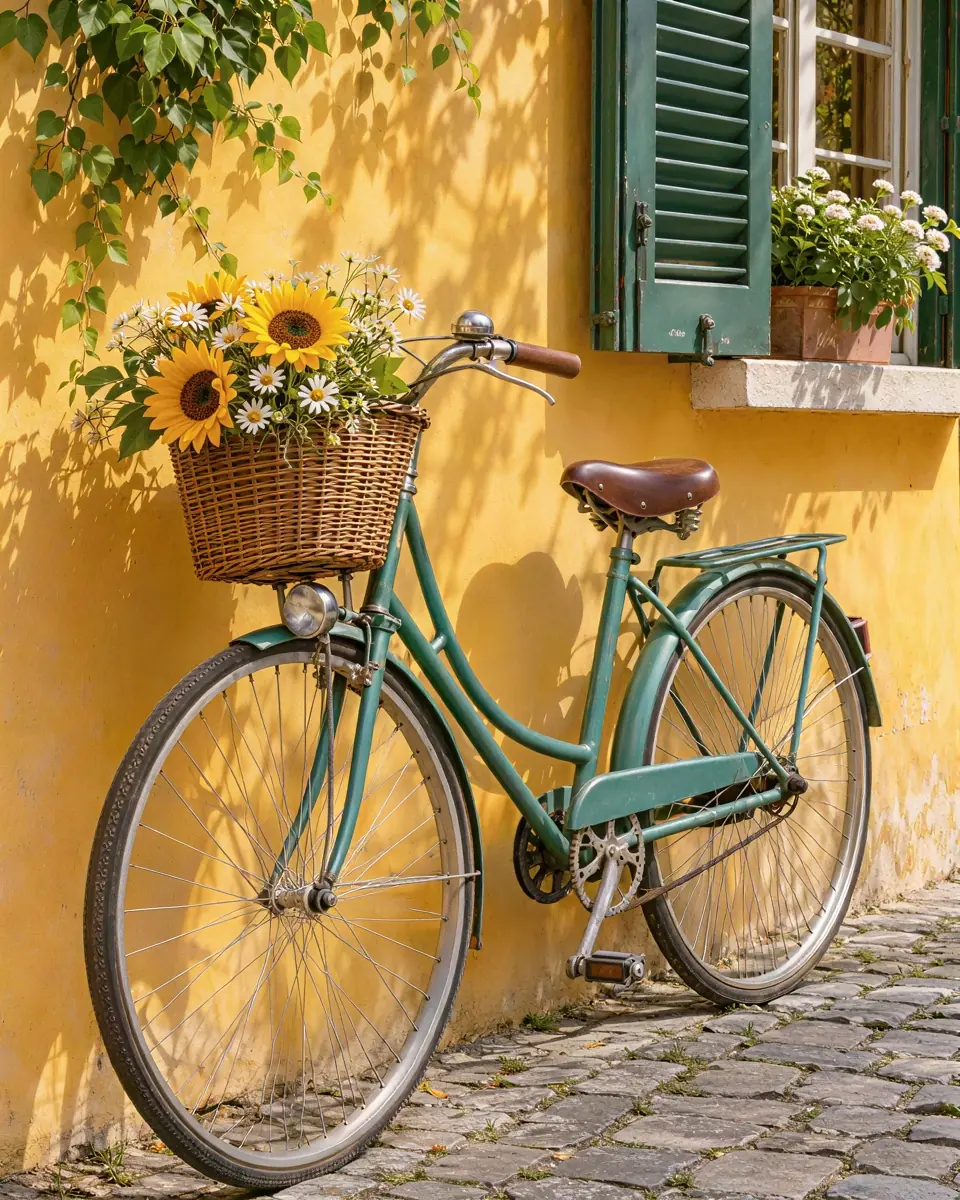 After
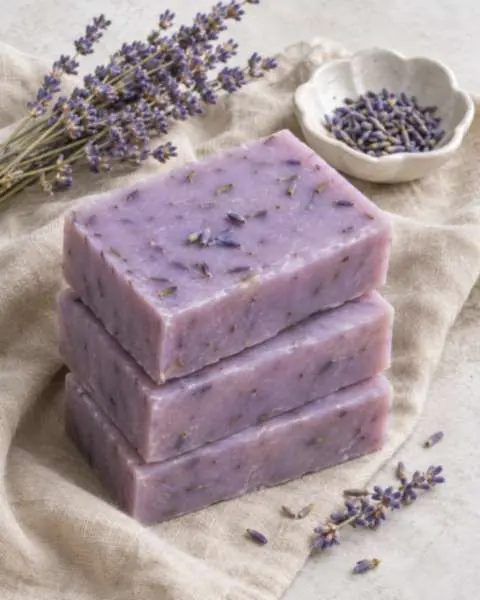 Before
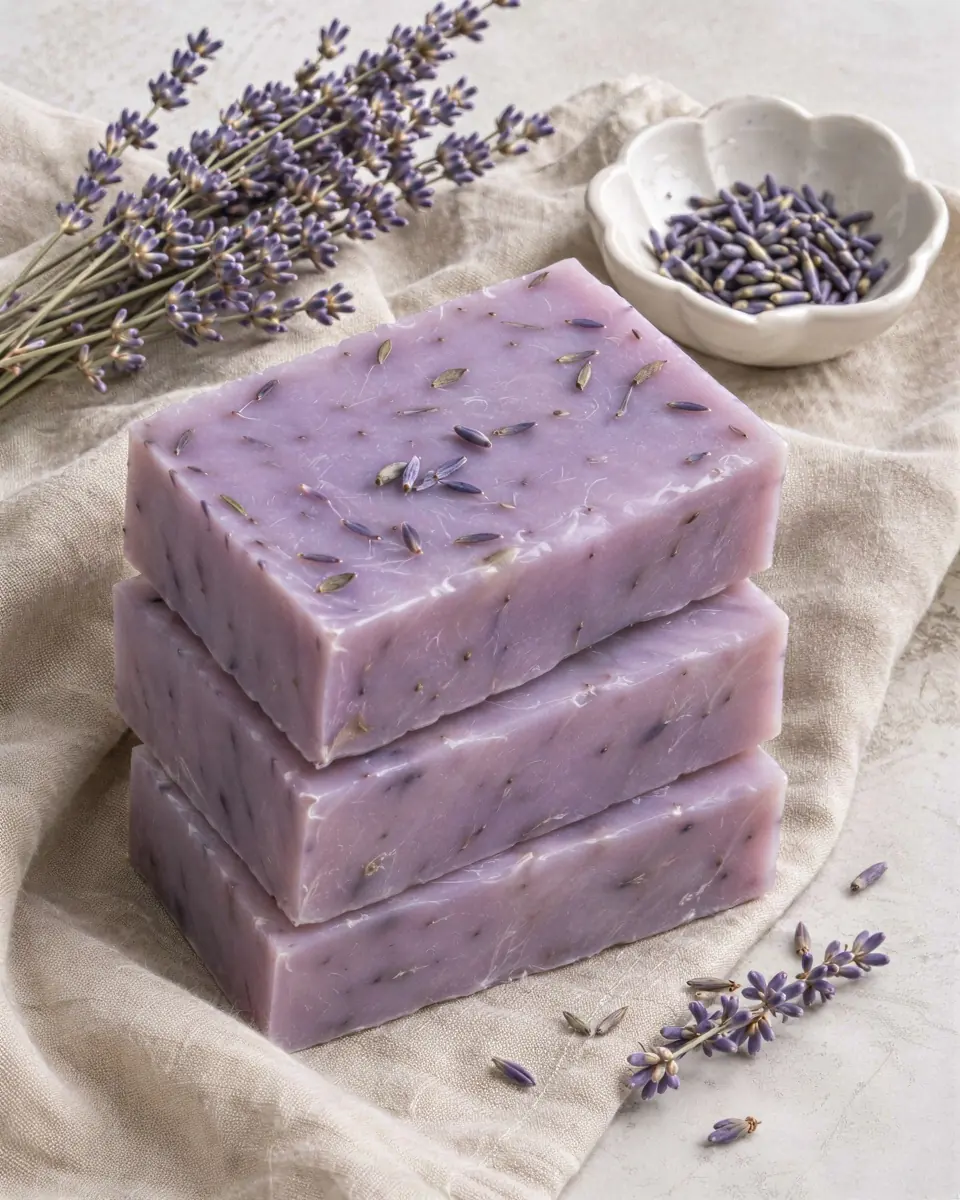 After
How to use the Image Upscaler (3 steps)
- 01
Add your image
Drop in a JPG, PNG, WEBP or GIF of up to 20 MB. The page reads the image size and shows what each factor would produce.
- 02
Pick a factor
Choose 1x, 2x, 4x, 8x. Each button shows the result size and the credits it costs, and a factor whose result would be over the size limit is switched off.
- 03
Upscale and download
Press the button. You can wait or close the tab; the result waits in your history. Compare it with your original in the before and after view, then download it.
What 1x, 2x, 4x and 8x do
- 1x: enhance at the same size
- The picture keeps its width and height. This setting is for cleaning an image up (less noise, sharper detail) when the size is already what you need.
- 2x: the default
- Width and height are doubled, so the image has four times as many pixels. 2x is preselected as the usual first step up.
- 4x: for big prints and screens
- Width and height are multiplied by four, so the image has sixteen times as many pixels. A 1024×1024 image becomes 4096×4096.
- 8x: the largest step
- Width and height are multiplied by eight. It only fits small sources: the result must stay within 67.11 MP and 16,384 pixels on a side, so a 1024×1024 image can go to 8192×8192 but a larger one cannot.
What size will your image be?
The result is always your image's width and height multiplied by the factor, with the same aspect ratio and no cropping. The table shows what that means for a few sizes, including two that are too big. The page works this out for your own image before you start, and the same check runs on our server, so a request that would go over the limit is turned away without a charge.
| Your image | Factor | Result | Pixels | Price |
|---|---|---|---|---|
| 1024×1024 image | 1x | 1,024×1,024 | 1.05 MP | 3 credits |
| 1024×1024 image | 2x | 2,048×2,048 | 4.19 MP | 3 credits |
| 1024×1024 image | 4x | 4,096×4,096 | 16.78 MP | 8 credits |
| 1024×1024 image | 8x | 8,192×8,192 | 67.11 MP | 24 credits |
| 1646×1646 image | 2x | 3,292×3,292 | 10.84 MP | 8 credits |
| 1646×1646 image | 4x | 6,584×6,584 | 43.35 MP | 24 credits |
| 1646×1646 image | 8x | Not possible | 173 MP | Over the limit: refused before you are charged |
| 6000×4000 photo | 1x | 6,000×4,000 | 24.00 MP | 24 credits |
| 6000×4000 photo | 2x | Not possible | 96.00 MP | Over the limit: refused before you are charged |
Text stays sharp
Text is where many upscalers go wrong: letters get redrawn and come out as look-alike shapes. This image upscaler finds the text regions in your picture, upscales them faithfully and blends them back in, so the letters are enlarged rather than redrawn.
If more than 30% of the image is text, such as a slide, a screenshot or a document page, the whole image is upscaled faithfully instead. That makes it a good fit for screenshots and slides, as well as for product photos and for larger versions of images made with an AI image generator.
What people upscale
- Product photos
- Bring a small product shot up to a size a store, a catalogue or a zoom view can use.
- Screenshots and slides with text
- Text-heavy images are upscaled faithfully, so the letters stay letters. Useful for slides, documentation and interface captures.
- Larger AI-generated images
- Pictures from an AI image generator are often small. A 2x or 4x step gives you a larger file for a poster, a print or a crop-in.
- Same-size cleanup
- Use 1x when the size is right but the picture has noise or soft detail. The width and height stay as they are.
Formats and transparency
- You can upload
- JPG, PNG, WEBP, or GIF (first frame only)
- You get back
- JPG for a JPG, WEBP for a WEBP, PNG for everything else
- Transparency
- Transparent areas are filled with white
- Images per request
- One
- Not accepted
- SVG and other non-raster files
A GIF is treated as a still image: only its first frame is upscaled, and the result is a PNG. PNG and WEBP files with a transparent background come back with white where the transparency was, because transparency is not preserved. If you need a cut-out, upscale the image first and remove the background afterwards.
Credits and limits
Pricing: 3 / 8 / 24 credits per image for 2K / 4K / 8K output. Credits are taken when the job starts, at a fixed price for the size of the result (the tier is set by the result’s total pixels, see the table). They are returned automatically if the upscale fails or has not finished after 2 hours. A factor that would take the result over 67.11 MP or 16,384 pixels on a side is turned away before you are charged. Results up to about 40 MB are saved to your history; a larger one stays on the processing service’s link, which expires after about 14 days, so download it.
| Tier | Result size in total | Largest square | Credits per image |
|---|---|---|---|
| 2K | Up to 4.19 MP | about 2,048×2,048 | 3 credits |
| 4K | Over 4.19 MP up to 16.78 MP | about 4,096×4,096 | 8 credits |
| 8K | Over 16.78 MP up to 67.11 MP | about 8,192×8,192 | 24 credits |
- Input files
- JPG, PNG, WEBP or GIF, up to 20 MB
- Factors
- 1x, 2x, 4x, 8x
- Largest result
- 67.11 MP in total, 16,384 pixels on a side
- Billing
- Per image, by the result’s total pixels
- Output
- JPG, WEBP or PNG, matching your upload
- Images per request
- One
Only upscale images you made, own, or have permission to use. An upscaled copy of someone else’s picture is still their picture, and it does not give you any extra rights to share it. Do not upload content that is illegal or that shows people who have not agreed to be in it.
See the Terms of Service and pricing for credit packs and plans.
Image Upscaler vs Video Upscaler
The Image Upscaler works on a single picture and you choose how many times larger it gets: 1x, 2x, 4x or 8x. The price follows the size of the result: 3 / 8 / 24 credits per image for 2K / 4K / 8K output.
The Video Upscaler works on a short clip and you choose a target frame (1080p, 2K or 4K) that the clip is fitted into, with the frame rate, length and sound kept. It is priced per second of video. If you have footage rather than a still image, use the Video Upscaler; if you have a frame you want bigger, use this page.
Image upscaler FAQ
- What is an image upscaler?
- An image upscaler makes a picture larger and, in the AI kind, adds sharpness so the larger picture looks clear instead of stretched. On this page the result is your image’s width and height multiplied by 1, 2, 4 or 8, with the same aspect ratio and nothing cropped.
- What does the upscale factor mean?
- It multiplies the width and the height. 2x turns 1024×1024 into 2048×2048, 4x into 4096×4096 and 8x into 8192×8192. 1x keeps the size and only enhances the picture.
- How much does the image upscaler cost?
- Pricing: 3 / 8 / 24 credits per image for 2K / 4K / 8K output. The price is per image and depends on the total pixels of the result: 2K (up to 4.19 mp) costs 3 credits, 4K (over 4.19 mp up to 16.78 mp) costs 8 credits, 8K (over 16.78 mp up to 67.11 mp) costs 24 credits. The page shows the price for each factor before you start. Buy credits on the pricing page.
- Why is a factor switched off for my image?
- The result may not be larger than 67.11 MP in total or 16,384 pixels on a side. A 1646×1646 image can go 4x but not 8x, and a 6000×4000 photo can stay at 1x but not 2x. Pick a smaller factor or resize the image first. Nothing is charged for a request that is over the limit.
- Which files can I upload?
- JPG, PNG, WEBP or GIF, up to 20 MB, one image at a time. SVG is not accepted. For a GIF only the first frame is used.
- What file do I get back?
- A JPG upload returns a JPG, a WEBP upload returns a WEBP, and anything else (PNG, GIF) returns a PNG.
- What happens to a transparent background?
- It is filled with white. Transparency is not preserved, so remove the background after upscaling if you need a cut-out.
- Will text in my image stay sharp?
- Text regions are detected, upscaled faithfully and blended back in, so letters are enlarged rather than redrawn. If text covers more than 30% of the image, the whole image is upscaled faithfully.
- How long can I download the result?
- Results up to about 40 MB are saved to your history. Larger ones are linked from the processing service and expire after about 14 days, so download the image you want to keep.
- What if the upscale fails?
- The credits are returned automatically, and a job that is still unfinished after 2 hours is stopped and refunded.
- Image Upscaler or Video Upscaler?
- Use the Image Upscaler for a single picture and pick a factor. Use the Video Upscaler for a short clip and pick a target frame of 1080p, 2K or 4K.