Qwen Image 3.0 Generator

image

Create images with dense, readable text, or edit up to three references. Output is 1K or 2K. Try it in the generator below, with examples and only the controls that fit this model.

Text or reference image · Choose a style and ratio · Credit cost shown first · Saved to History

Qwen Image 3.0

Your image will appear here. Add a prompt, check the credit quote, then press Generate.

Qwen Image 3.0 examples

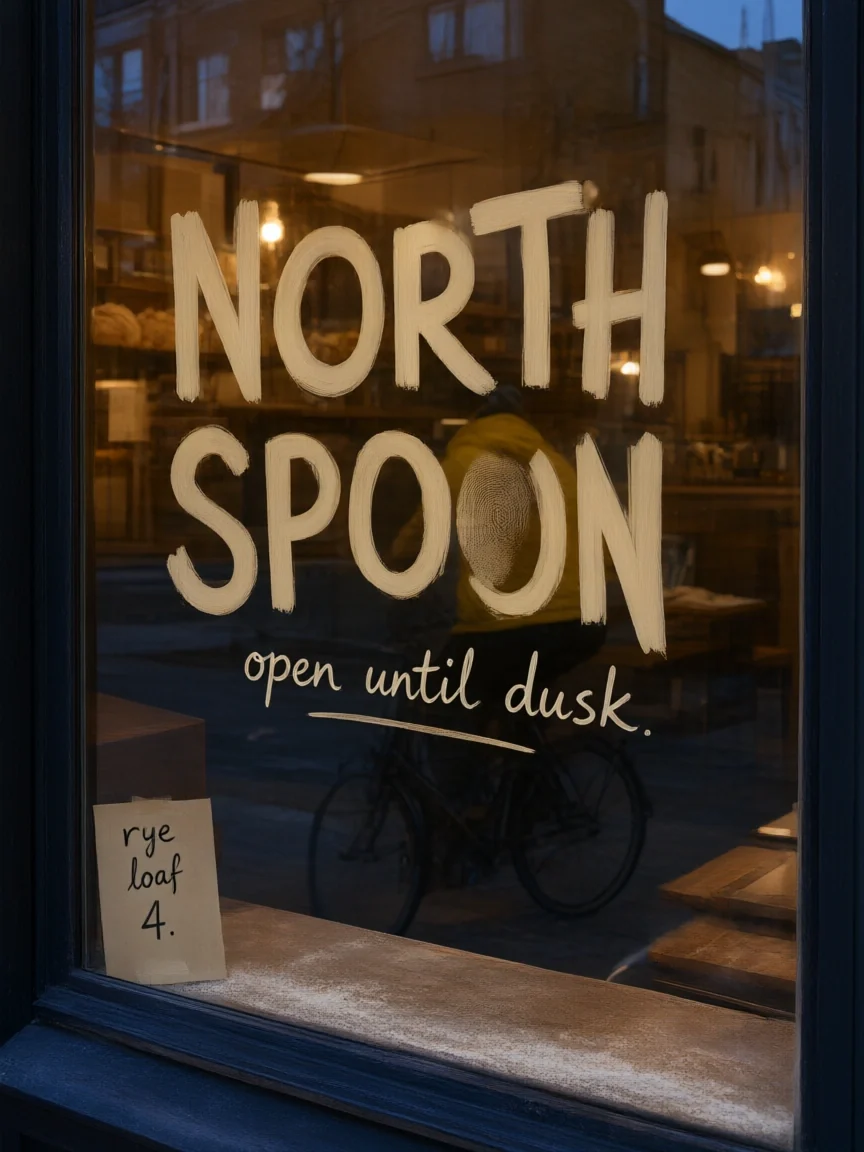
Bakery sign
Bakery sign
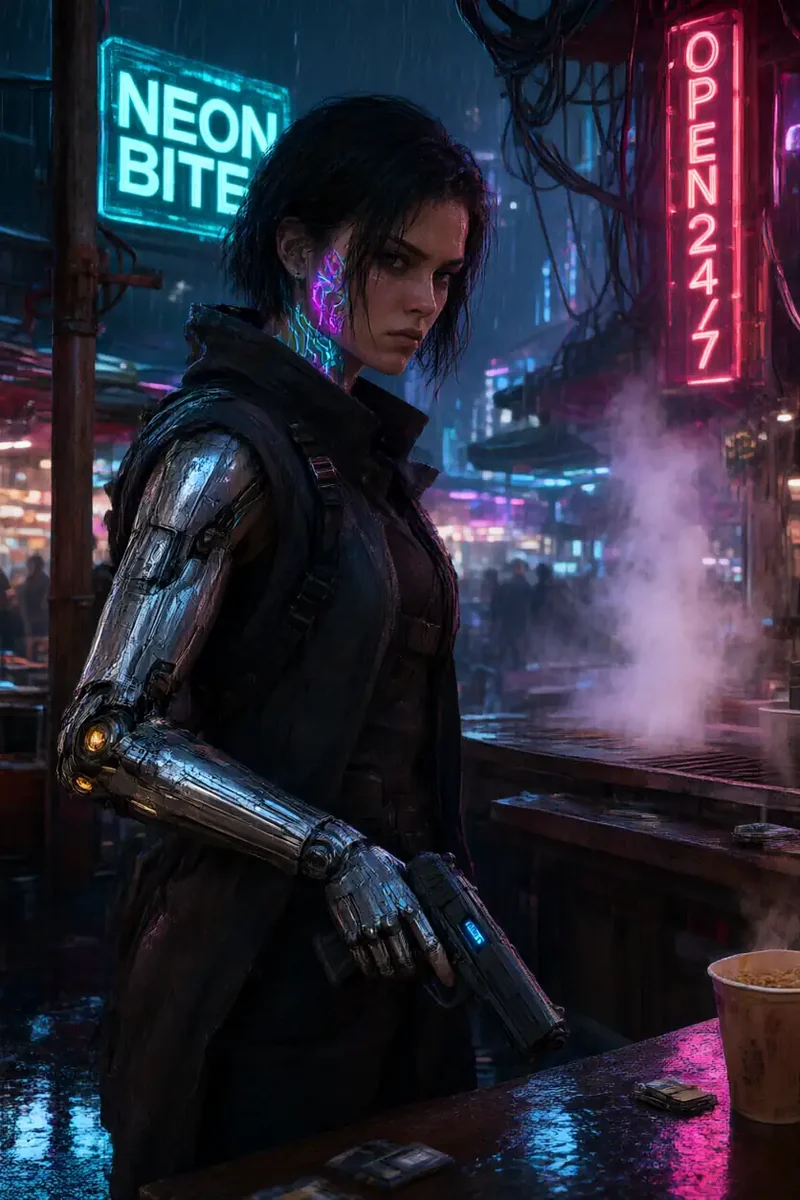
Night market sign
Night market sign
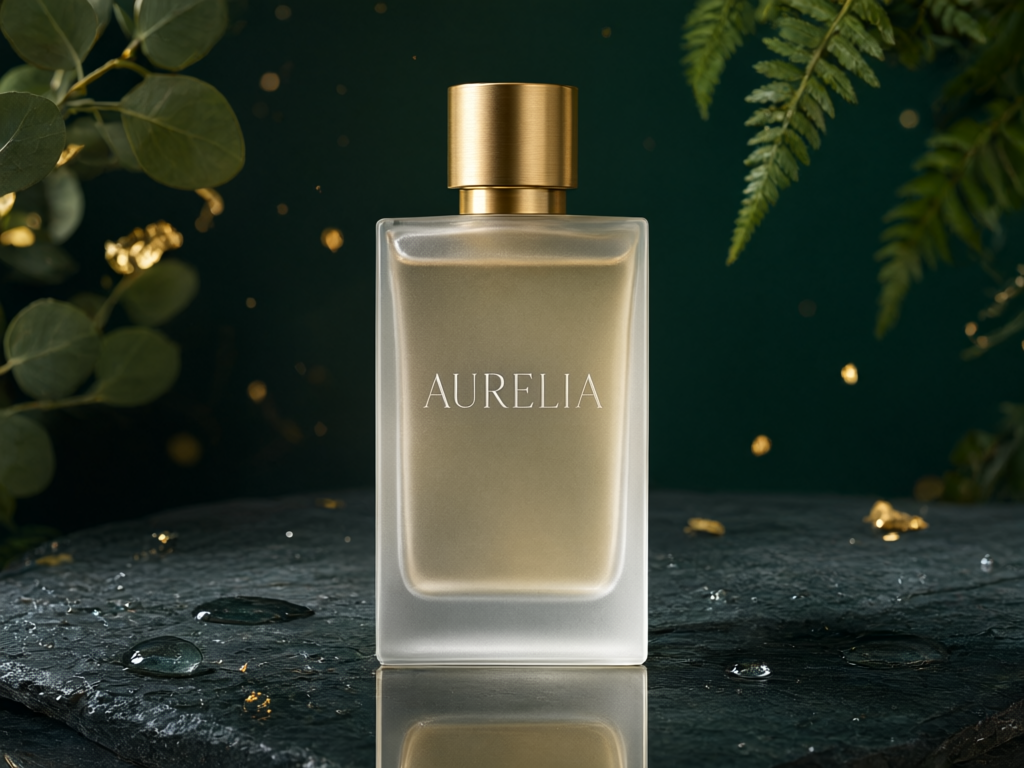
Perfume
Perfume
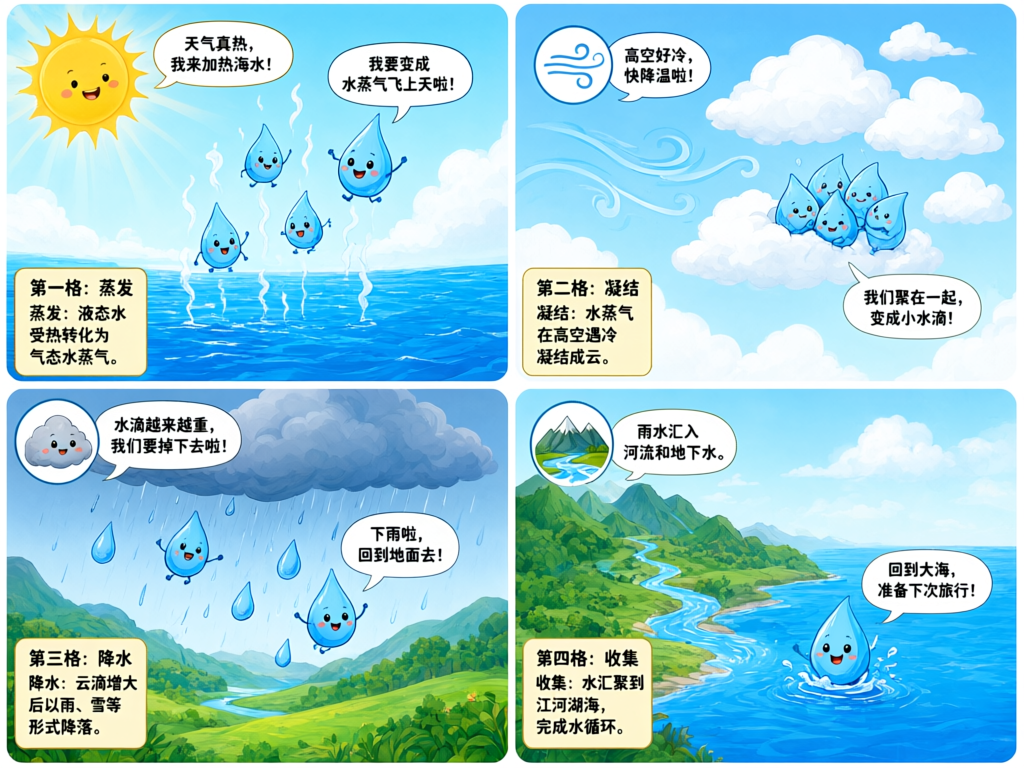
Water cycle
Water cycle
Poster recolor, beforeBefore
Poster recolor, afterAfter
Poster recolor
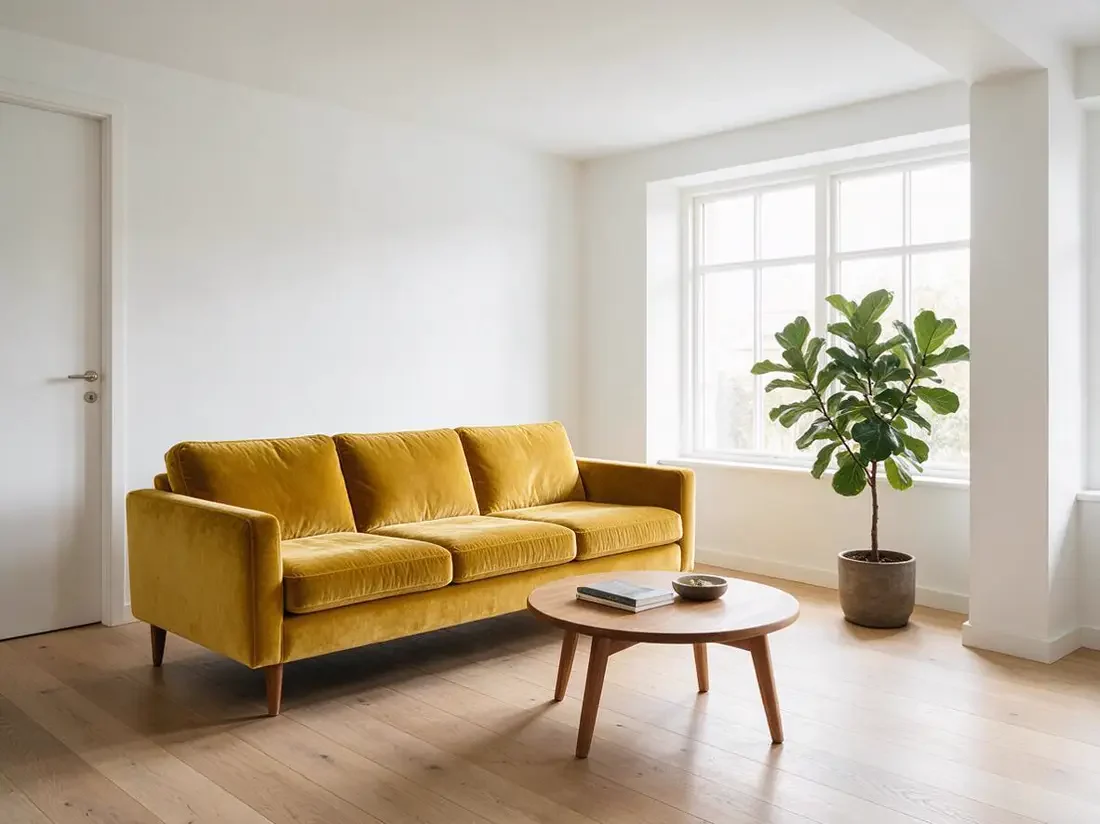
Sofa recolor, beforeBefore
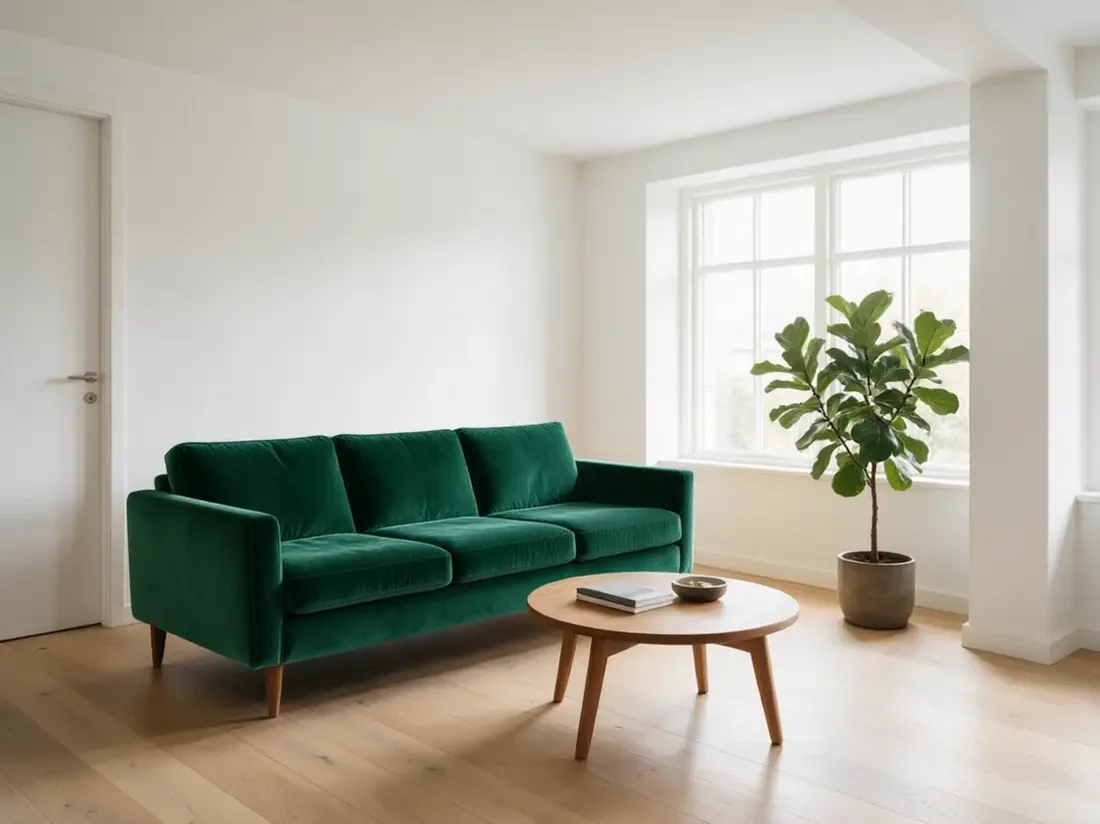
Sofa recolor, afterAfter
Sofa recolor

Create with Qwen Image 3.0

Qwen Image 3.0 is the third generation of Alibaba’s Qwen image series, built for information-dense images: pages where many words, labels and small elements have to stay legible. In NENE Video you can start from a written brief or add reference images to the same request, so one page covers a fresh image and an edit.

KIE lists infographics, newspapers, storyboards, exam papers, UI mockups and localized marketing among the use cases. A dense layout still rewards a specific brief: name each block, the words it holds and where it sits. Proofread every generated word, because the model can add labels you did not ask for.

How to use Qwen Image 3.0

Keep the first request small enough to review. The steps below match the controls and result states in the generator above.

Write the layout and the words

Describe the format first, such as an infographic, a newspaper front page or a storyboard grid, then list the blocks, their headings and the exact text for each. Prompts can run long (up to 5,000 characters on NENE), so there is room to be specific about structure.

Add references only when they carry information

Upload up to three clear images when identity, a package or a layout must be respected, and say what each reference is for. A single edit request is easier to judge than a long list of unrelated changes.

Pick the size, read the quote, then proofread

Choose a ratio and either 1K or 2K, then read the credit quote. When the image completes, open it at full size and compare every line of text with your copy. Use a second request for a deliberate variation instead of stacking corrections.

What Qwen Image 3.0 is useful for

Choose a use case that fits the model's actual input and output. Treat each result as a reviewable draft until it passes your own quality and rights checks.

Dense, legible text

KIE describes Qwen Image 3.0 as handling prompts of roughly 4.5K tokens and keeping text legible down to about 10 pixels. That suits posters, menus, book covers and social cards where lettering is part of the composition.

Twelve languages in the image

The model renders text in 12 languages according to KIE, and accepts prompts in Chinese and English. This helps with localized marketing material, but check every character of non-English text before publishing.

Structured layouts

Infographics, newspapers, storyboards, exam papers and UI mockups are the formats the model is aimed at. Specify one region at a time and state its text, so the layout comes back as you described it.

Reference edits

A request can take up to three reference images, which helps when a scene combines a person, a product and a setting. Describe how the references should combine. More references add guidance but do not guarantee every detail survives.

Inputs, limits, and credits

The generator is the source of truth for the current controls. Use this guide to plan a request, then confirm the exact quote before submitting.

Prepare your inputs
Provide a brief that covers format, layout, subject, composition and any exact words. NENE accepts prompts up to 5,000 characters. Add up to 3 reference images only when they are yours to use or properly licensed. The uploader shows the accepted file types and size limits for the current operation.
Limits to check first
Qwen Image 3.0 offers 1K and 2K output. There is no 4K option, so plan larger deliverables around the 2K result. The ratios are 1:1, 3:2, 2:3, 4:3, 3:4, 16:9, 9:16 and 21:9, with no automatic ratio. The model can add labels you did not request, and higher resolution never guarantees correct lettering, identity or geometry, so proofread every result.
Credit behavior
Qwen Image 3.0 costs 5 credits for a 1K or 2K image. Each reference image adds 0.5 credits, and the total is rounded up to a whole credit. The generator remains the source of truth after you choose the operation and size, so check the live quote before each request.
Public examples
The carousel shows selected public model examples for inspiration. It is not your account history and does not promise that the same prompt will reproduce an image. Look at how the examples handle lettering, structure and negative space, then write an original brief for your own assets and words.

When to choose Qwen Image 3.0

Choose Qwen Image 3.0 when the picture is mostly structured text or layout, such as an infographic, a newspaper or a storyboard, and 1K or 2K is enough. GPT Image 2 offers 4K and transparent backgrounds, Seedream 5.5 suits edits that must keep untouched areas intact, and Nano Banana 2 takes up to 10 references.

A practical review checklist

Before you deliver a Qwen Image 3.0 result, read every word in the image and compare it with your copy, including any label you did not ask for. Check faces, hands and edges at full size and confirm the ratio leaves room for your layout. If you used references, list the facts you asked to preserve before you request another variation.

Qwen Image 3.0 FAQ

These answers describe the current NENE workflow and its review boundaries. Confirm live controls when you submit a task.

Is Qwen Image 3.0 good at rendering text?
It is designed for text-dense images, and KIE describes legible text down to about 10 pixels. It is still not perfect: put exact words in your prompt, keep each block clear and proofread the result before publishing.
How many reference images can I add?
Up to three in a single request. Keep the set focused and explain what each reference is for. Extra references do not guarantee stronger consistency.
Can I generate 4K or choose an automatic ratio?
No. Qwen Image 3.0 is available at 1K and 2K with eight fixed ratios. Use GPT Image 2 if you need 4K or an automatic ratio.
How much does a Qwen Image 3.0 image cost?
It costs 5 credits at 1K or 2K, plus 0.5 credits for each reference image, rounded up. The live generator shows the exact amount before you submit.
Which languages can it write in the image?
KIE lists 12 languages for text in the image, and prompts can be written in Chinese or English. Proofread non-English text carefully, because a single wrong character changes the meaning.
Can I use the result commercially?
Commercial use depends on your source-material rights, the applicable NENE terms and any people, brands or artwork shown. NENE does not clear third-party rights for you, so complete that review before you publish a result.

We last checked this page against the NENE generator and the Qwen Image 3.0 page on KIE on November 16, 2026. The generator always shows the current controls, availability and credit price before you submit.

Availability and controls can change. The live NENE workspace is the source of truth for the current inputs, duration, resolution, and credit quote.